

When winter weather arrives, snow accumulation on outdoor equipment can interrupt connectivity and frustrate users. With Starlink snow melt, Starlink has introduced a smart solution designed to keep your satellite broadband operational even in snowy conditions. This built-in feature automatically detects snowfall or signal disruption due to snow and adjusts the dish’s heating behavior to melt snow and ice, helping maintain a clear path for satellite signals throughout winter storms.

What Is Starlink Snow Melt and How It Works
The Starlink snow melt feature is part of a firmware update that enables Starlink dishes to manage snow and ice buildup on their surface through controlled heating. Rather than relying on dedicated heater hardware, Starlink uses intelligent software algorithms to monitor signal-to-noise ratio (SNR) and adjust power output to generate warmth on the dish surface when needed. This helps melt snow directly on the antenna, reducing signal loss due to snow coverage and ensuring more reliable connectivity in cold climates.
Users can access Snow Melt settings in the Starlink app or dashboard and choose among three modes — Automatic, Pre-heat, and Off — to fit their local weather conditions and energy usage preferences.
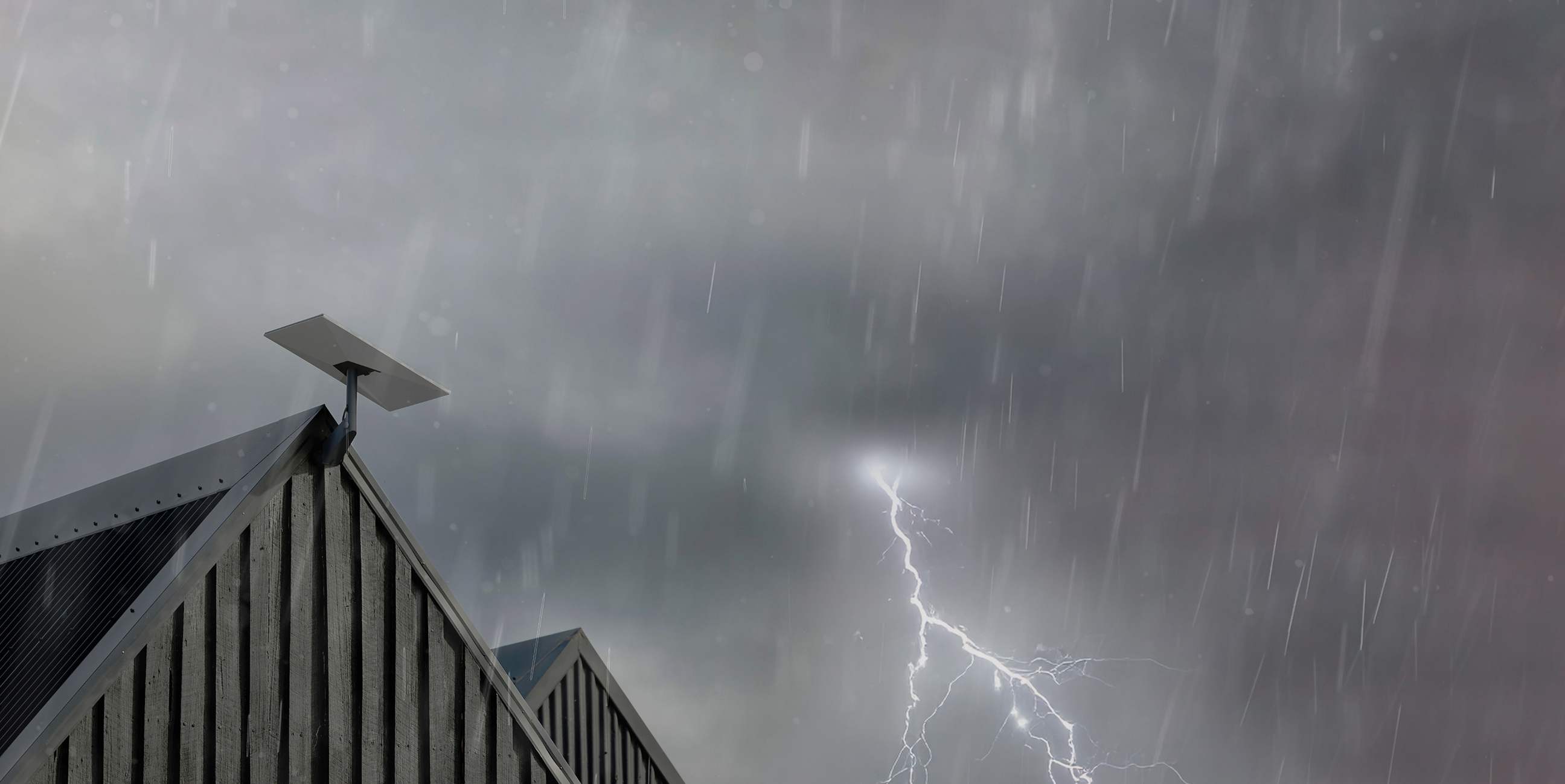
Snow Melt Modes Explained
Starlink’s Snow Melt feature gives you several levels of control over how your dish handles snowy conditions:
-
Automatic Mode – This is the default setting and recommended for most users. The system increases power to melt snow when signal degradation suggests snow buildup. It balances connectivity with efficient power use.
-
Pre-Heat Mode – In this mode, the dish proactively warms the surface before or during snowfall, which helps prevent snow accumulation before it becomes an issue. This option uses more power but is useful when heavy snowfall is expected.
-
Off Mode – Snow Melt can be turned off entirely in regions where snow is rare or not expected, conserving power and lowering energy costs.
By selecting the appropriate mode, Starlink subscribers can tailor their service performance to local weather patterns, ensuring better signal quality in all seasons.
Why Snow Melt Matters for Connectivity
Snow and ice buildup on satellite dishes can obstruct the line of sight between your terminal and orbiting satellites, leading to degraded signal strength, slower speeds, or even service interruptions. Heavy snowfall, in particular, can block satellite signals, which depend on a clear “view of sky.” Reports and product documentation confirm that Starlink dishes will “detect and melt snow that falls directly on it,” helping to maintain optimal signal reception even in winter conditions.
In areas with frequent snowfall, such as northern U.S. states, Canada, northern Europe, or high-elevation regions, this capability significantly boosts reliability. Automatic mitigation of snow buildup ensures that users don’t have to constantly clear the dish manually or worry about their internet dropping out during storms.

How Users Interact with Snow Melt Settings
Setting up Starlink snow melt is simple and user-friendly. Through the Starlink app or web dashboard, users can navigate to the Snow Melt or “Dish Settings” menu to adjust preferences based on climatic needs. This interface allows you to switch between Off, Automatic, and Pre-heat modes, giving control over how the system manages snow and ice on the dish surface.
Although the system’s heating behavior automatically responds to snow via signal conditions, users who expect heavy storms can proactively choose Pre-heat mode before a predicted snowfall. This can help minimize downtime and reduce manual maintenance during severe winter weather.
Real-World Snow Melt Performance
In real-world conditions, Starlink’s snow melt feature has helped many users maintain connectivity during winter storms. Community discussions among Starlink owners indicate that automatic and pre-heat modes can be effective in keeping dishes clear of snow, particularly when set before heavy snowfall begins. Some users report that even though the system doesn’t detect snow directly, its monitoring of the signal-to-noise ratio triggers increased power output that results in dish surface warmth sufficient to melt snow on contact.
However, it’s worth noting that extremely heavy snowfall or prolonged storms may still require occasional manual clearing, especially where snow accumulates faster than the dish can melt it. Placement of the dish in a location that avoids excessive snow drifts and ensuring a clear view of the sky can optimize the snow melt feature’s effectiveness.
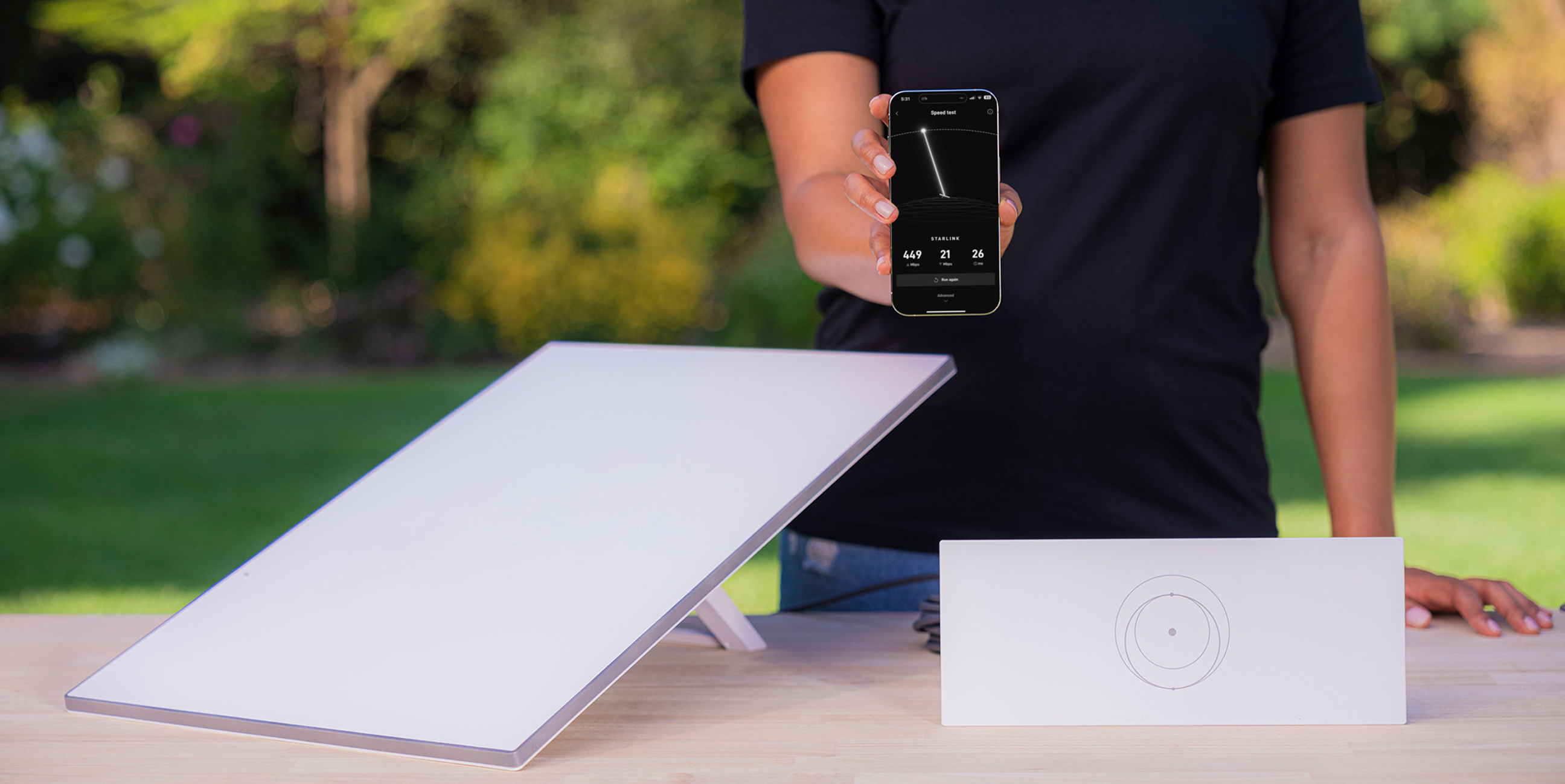
Installation Best Practices for Winter Environments
To maximize the benefits of Starlink snow melt and ensure consistent performance throughout winter, proper installation is essential. Installing the dish in a location that avoids peripheral snow buildup — such as on a slightly elevated mount or roof location free of obstructions — helps prevent snow from accumulating around the device and blocking its field of view.
In particularly snowy regions, regular monitoring and occasional manual clearing can complement the automatic heating feature to maintain peak performance. Combining good installation practices with the Snow Melt settings ensures that your Starlink service remains resilient through winter storms.
Snow Melt in Starlink’s Broader Connectivity Vision
Starlink’s addition of the snow melt feature demonstrates the company’s commitment to delivering reliable satellite broadband in all weather conditions, especially for users in rural and underserved regions where traditional broadband alternatives are limited. By intelligently addressing seasonal challenges like snow buildup, Starlink improves connectivity continuity and minimizes maintenance requirements, helping customers stay connected year-round.
As satellite broadband continues to evolve, features like Snow Melt — alongside other performance-enhancing capabilities — position Starlink as a robust solution for homes, businesses, and remote locations that experience harsh winters.


Leave a comment